
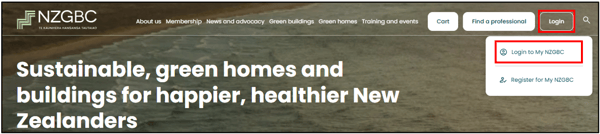
Log into your Dashboard on the NZGBC website
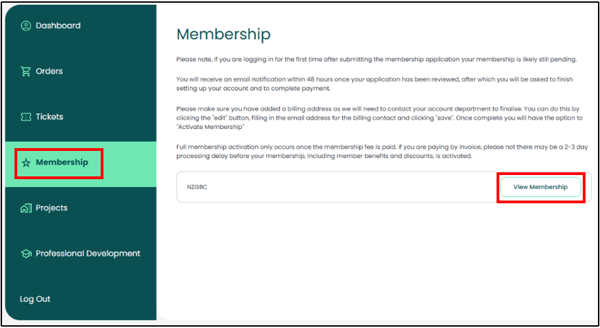
On your Dashboard, navigate to "Membership"
Select 'View Membership' on the right-hand side:
Download button
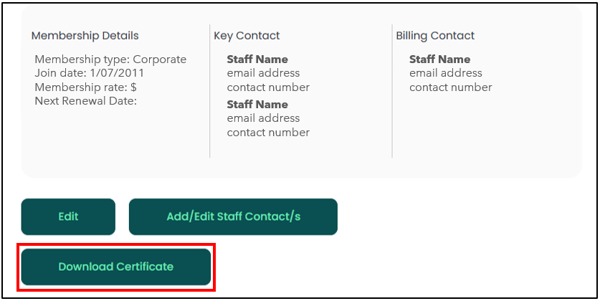
Click on the 'Download Certificate' button:
Your Membership Certificate will open in a new tab in your browser.
Scroll down to find the 'Download now' button, near the bottom of your Certificate:
Click on the button to download your Certificate to the 'downloads' folder on your computer.
Need Assistance?
If you require any assistance with updating your Company Profile, please reach out to the NZGBC Membership Team.